
- HOME
- Introduction
- TOPCIT Scores
- Verify
Verify
Installing the App
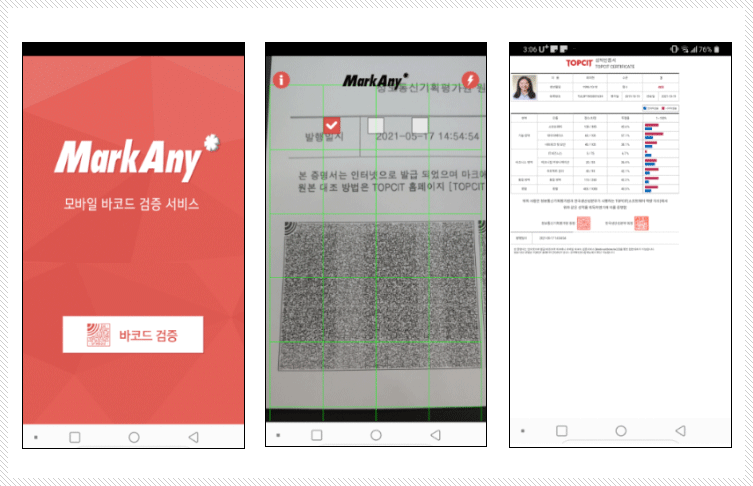
- Certificate verification is possible through the MarkAny mobile barcode verification service [MaSmartDetector] app.
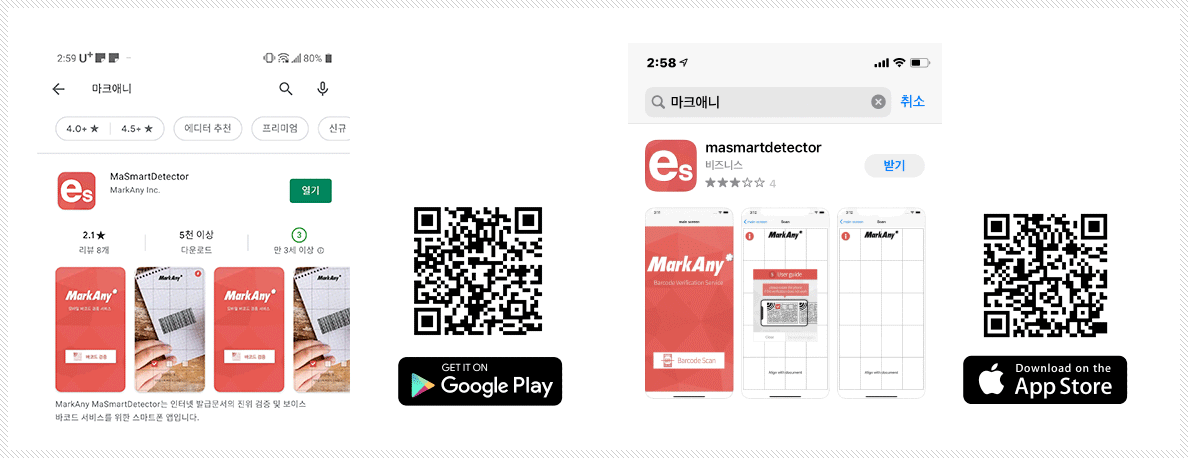
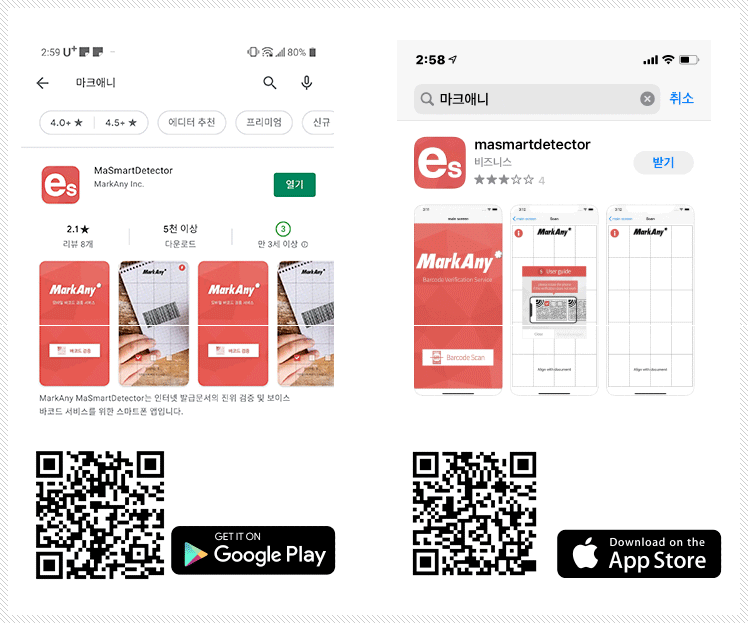
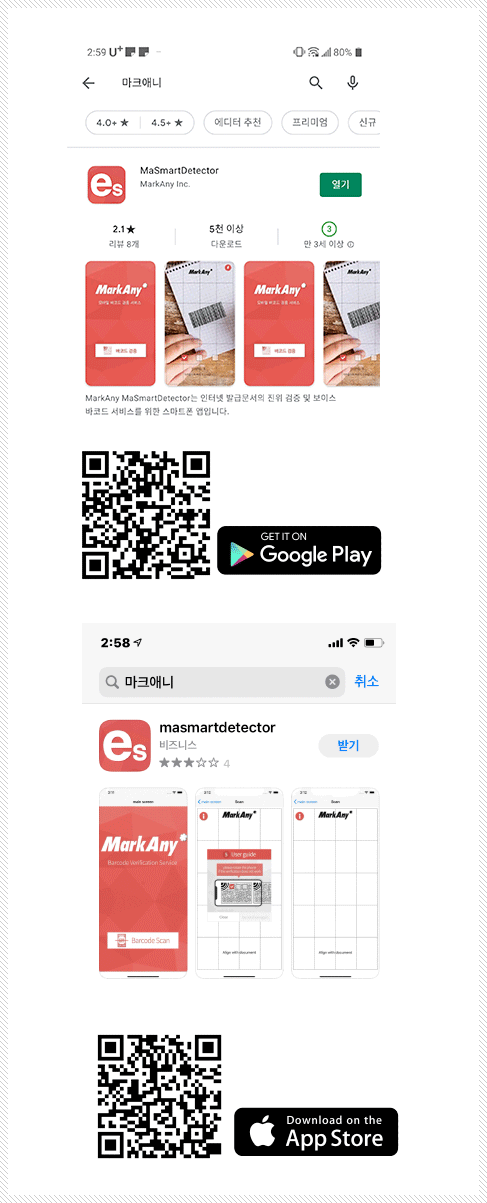
- 1) Download and install the App
- - Search for “MarkAny” on the Google Play Store or Apple App Store
- - Install and run the “MaSmartDetector (Markany)” app
Certificate Verification
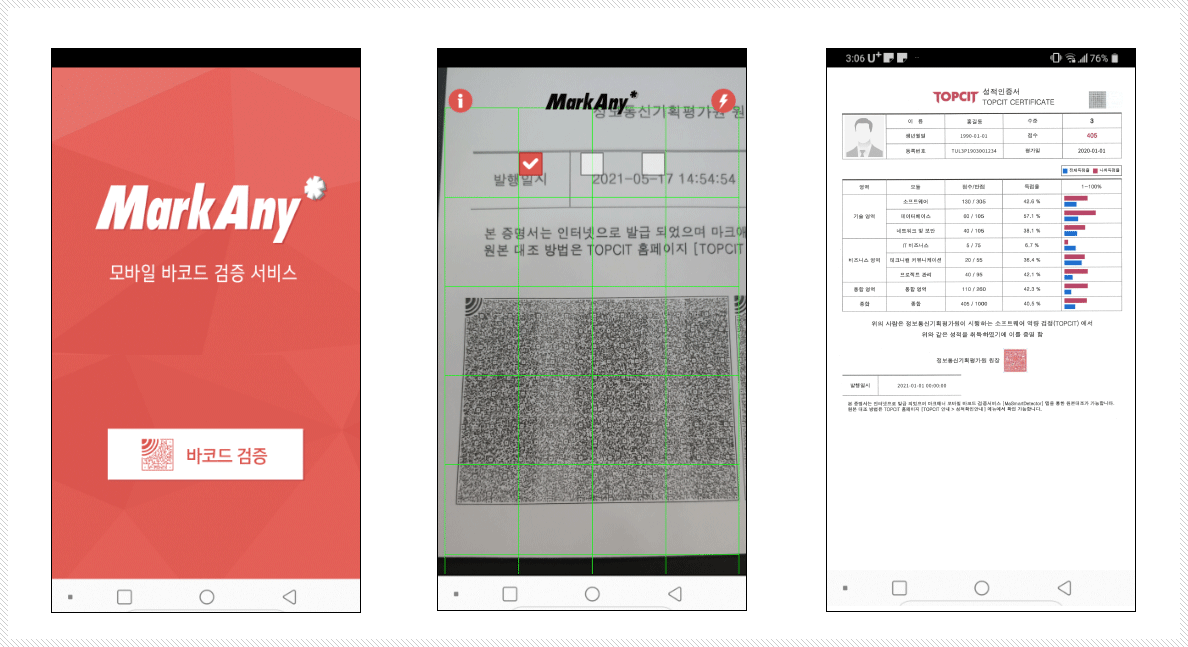
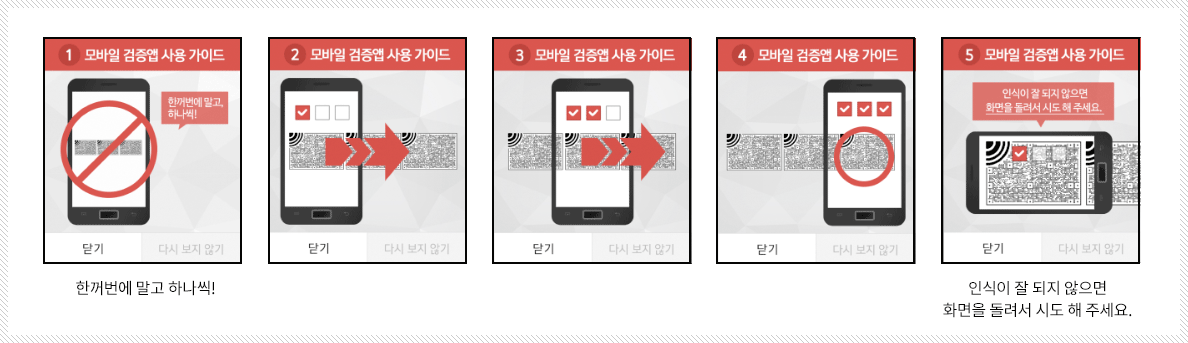
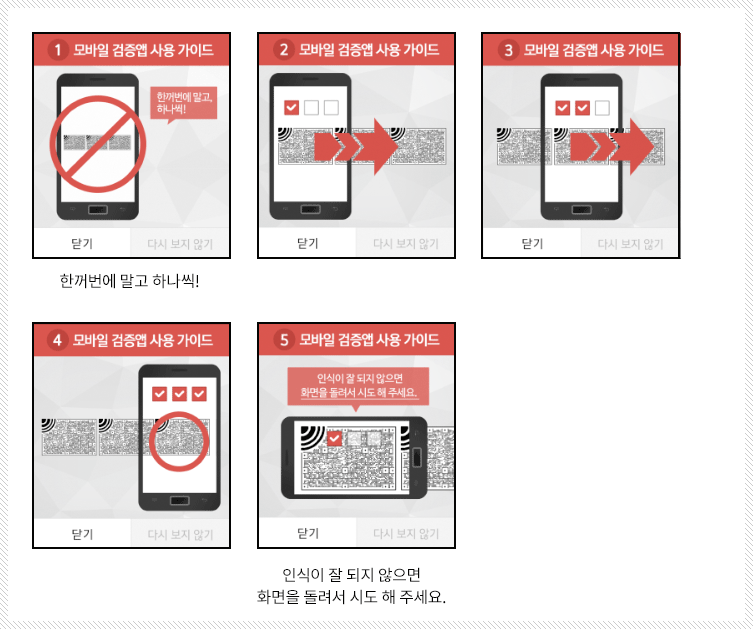
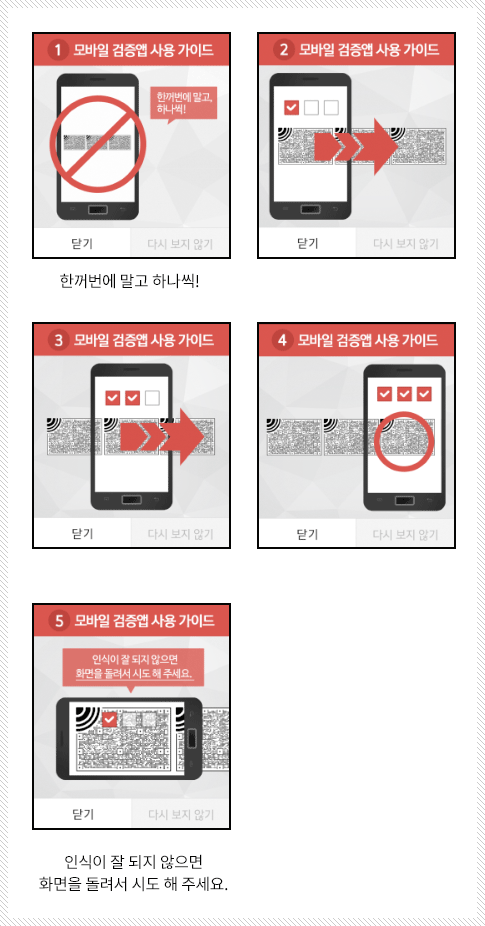
- The app’s user guide will provide assistance when you run the app for the first time.
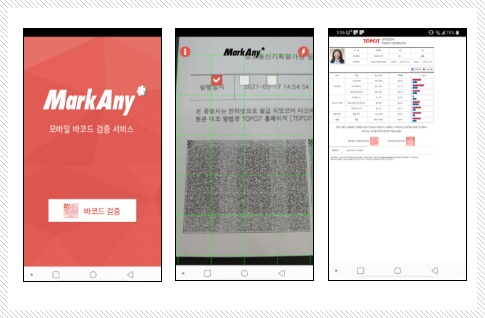
- Follow the guide to scan the certificate barcodes. A check box will appear for each of the three barcodes scanned.
- The verification result will appear if the three barcodes are scanned correctly in sequence.
- Follow the guide to scan the certificate barcodes. A check box will appear for each of the three barcodes scanned.
- The verification result will appear if the three barcodes are scanned correctly in sequence.
Notice
- 1)In case the barcode is not recognized
- -If the barcode cannot be recognized depending on the print status of the certificate, please contact MarkAny.
- 2) When the application is terminated after verification is completed
- -If the app is not the latest version, please verify again after updating. If the same symptom persists after the update, please contact MarkAny.